Laptop Insurance: What It Covers, What It Costs and How to Claim
How laptop insurance works: why all risks fits a laptop better than home cover, what a year costs with a worked example, how much to insure it for, and how to claim after theft or damage.

Laptop insurance is usually an electronic equipment all risks policy: it pays to repair or replace your laptop after accidental damage, liquid spills, power surges or theft, at home and while you carry it. You pay a yearly premium worked out as a percentage of the laptop's replacement value, and you claim with proof of ownership and, for theft, a police report.
Key takeaways
- The cover that fits a laptop is all risks, not a home policy. A home policy usually protects it only inside the house, and only against fire or a break-in.
- Insure it for what a new equivalent costs today, not what you paid. Prices move with the naira, and a sum insured that is too low cuts every claim.
- The premium is a percentage of the value. For illustration, at 2.75% a year, a ₦1,200,000 laptop costs about ₦33,000 a year to insure.
- Keep the receipt, the serial number and a few photos. They make a claim quick, and on VaultCova an item with no photo or receipt on file is priced 10% higher.
- Warranties and protection plans cover faults, not theft or a laptop knocked off a desk. Insurance covers the accidents.
What does laptop insurance cover?
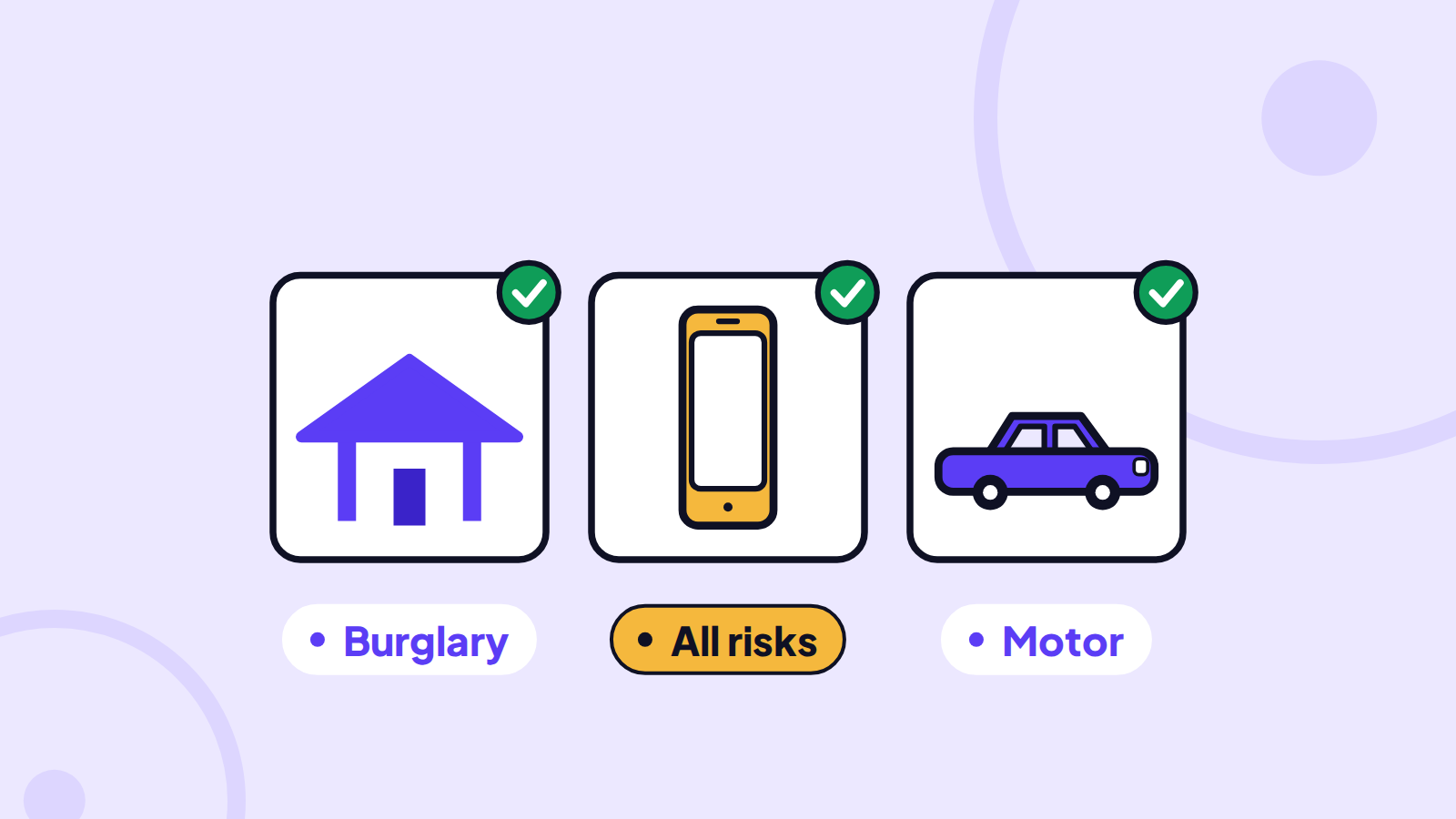
The usual policy is electronic equipment all risks. All risks means the policy pays for loss or damage from any cause that is not specifically excluded, rather than only a list of named events. For a laptop, that typically includes:
- Accidental damage: a drop, a cracked screen, a laptop knocked off a table or crushed in a bag.
- Liquid damage: a spilled drink or rain getting into the bag.
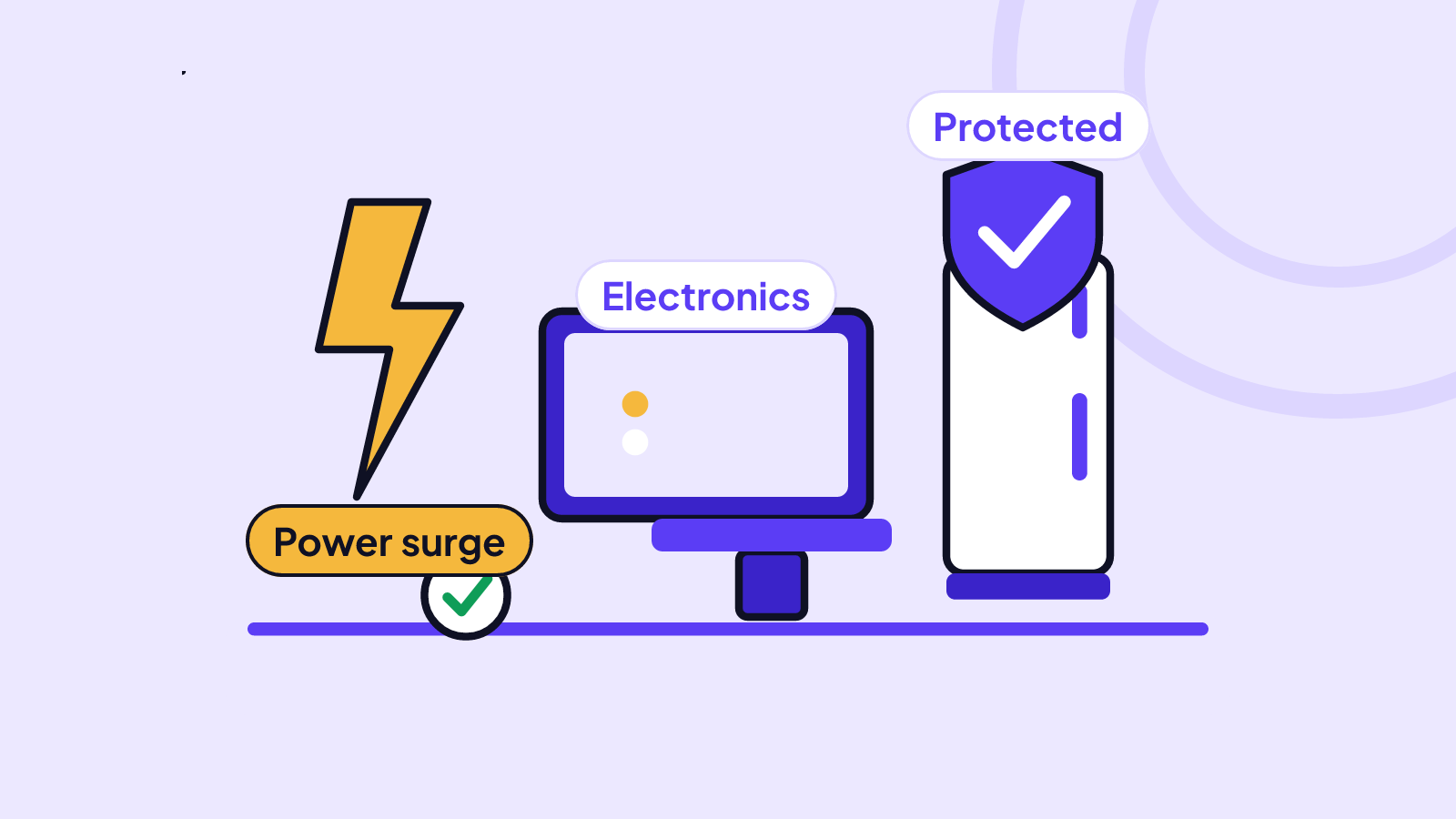
- Power surges and short circuits: common where the grid supply is unstable and the generator or inverter switches over. See how to protect electronics from power surges.
- Theft: from your home after a break-in, and usually while you carry it, subject to the conditions in the wording.
- Fire: at home, in the office or anywhere the laptop is.
It follows the laptop rather than the building. If you work from cafés, client sites, a co-working space or the road, that is the difference between a paid claim and a refused one. Our guide to what all risks cover does and does not cover explains the type of cover in more depth.
What is usually not covered?
Every wording has exclusions, the things the policy will not pay for. For laptops the common ones are:
- Wear and tear, gradual deterioration and cosmetic scratches that do not stop it working.
- Mechanical or electrical breakdown and faults covered by the manufacturer's warranty or a maintenance contract.
- Items left unattended, especially in a vehicle. Many wordings refuse theft from a car unless the laptop was locked out of sight, and some refuse it altogether.
- Unexplained disappearance: "I can't find it" with no theft or loss event you can describe.
- Data and software: the policy replaces the machine, not your files. Back up separately.
- Damage while being repaired by someone else.
Read the exclusions in your own policy wording, because it is what governs a claim.
Why not just rely on home insurance?
A householder's policy covers the contents of your home against fire and special perils (such as flood and storm) and burglary with forced entry. That helps if your laptop is in the house during a fire or a break-in. It usually does not help if:
- the laptop is snatched in traffic, at the airport or on campus;
- it is dropped or someone spills a drink on it;
- someone walks off with it without breaking in.
Most laptop losses happen outside the home or by accident, which is why all risks is the cover that fits.
How much does laptop insurance cost?
The premium is the sum insured (the amount you insure the laptop for) multiplied by the underwriter's rate (a yearly percentage).
Worked example. You insure a laptop that would cost ₦1,200,000 to replace today:
- Sum insured: ₦1,200,000.
- For illustration, rate: 2.75% a year.
- Premium: ₦1,200,000 × 2.75% = ₦33,000 a year, or about ₦2,750 a month.
On VaultCova, an item with no photo or receipt on file is priced 10% higher, because the underwriter carries more uncertainty: ₦33,000 + ₦3,300 = ₦36,300. Adding a photo or receipt before paying removes that loading. The rate depends on the underwriter, the device and how you use it, and Cova quotes your exact figure before you pay.
If you carry a phone, a tablet or a camera too, insuring them together on one policy is simpler (one renewal date, one certificate) and on Individual Vault and up earns a bundle saving of up to 6%, depending on the items. Our phone insurance guide covers the phone side.
How much should you insure your laptop for?
Insure it for its replacement value: what a new laptop of the same specification would cost you now. Not the price you paid two years ago, and not what you could sell it for.
Getting this wrong is expensive because of the average clause, the rule that if you insure something for less than it is worth, the underwriter pays only the same share of any claim.
Worked example. You insured the laptop for ₦800,000, what you paid for it, but a new equivalent now costs ₦1,200,000.
- You are insured for ₦800,000 ÷ ₦1,200,000 = two thirds of its value.
- A screen and motherboard repair costs ₦450,000.
- The claim is reduced to two thirds: ₦450,000 × 2/3 = ₦300,000, before the excess.
If it is stolen, the most you can receive is the ₦800,000 sum insured, ₦400,000 short of a replacement. Our guide to the average clause shows the arithmetic for other cases. Check the value at every renewal, and after a big price change.
How do you insure a laptop step by step?
- Log it. Add the laptop to your vault with the make, model, serial number and the date you bought it. In VaultCova that is VaultLog, or just tell Cova "I have a MacBook Pro bought last year".
- Add proof. Upload the receipt and two or three clear photos, including one of the serial number label. See how to document your valuables for a claim.
- Set the value. Enter today's replacement cost.
- Answer the risk questions honestly: where it is kept, how you carry it, whether you use it for work. Telling the underwriter every material fact is a condition of cover (utmost good faith), and a misstatement can void a claim.
- Compare and pay. Cova shows the cover and the price; you pay by card, bank transfer or from your wallet, and the certificate is issued.
You can cancel within 14 days of the cover starting for a pro-rata refund of the unused days, as long as there is no claim on it.
How do you make a claim?
- For theft, report to the police straight away and get a police report. Underwriters usually ask for it, and the wording may set a time limit. Our guide to police reports for theft claims explains what to ask for.
- Tell the underwriter promptly. On VaultCova you file the claim in the app or with Cova, and it lists your covers for you.
- Give proof of ownership and value: the receipt, the serial number, your photos.
- For damage, keep the laptop and get a repair report or quotation. Do not throw it away; the underwriter may want to inspect it.
- Claim while the cover is running. The loss must happen within the policy period, and the claim must be made before that period ends.
Frequently asked questions
Is laptop insurance worth it?
If replacing your laptop would hurt your work or your budget, usually yes. For illustration, ₦33,000 a year protects a ₦1,200,000 machine against theft, drops, spills and surges, the losses that happen most often to something you carry every day.
Does home insurance cover my laptop outside the house?
Usually not. A householder's policy covers contents at home against fire and burglary with forced entry. For theft or damage outside, and for accidents such as drops and spills, you need all risks cover.
Does laptop insurance cover a cracked screen or a spilled drink?
All risks cover usually pays for sudden accidental damage, including a cracked screen and liquid damage. It does not pay for wear and tear, cosmetic scratches or a fault covered by the manufacturer's warranty.
Can I insure a second-hand or refurbished laptop?
Yes. Insure it for what a replacement of the same specification would cost, and keep whatever proof you have: the seller's receipt or transfer record, the serial number and photos of the laptop working.
Is my laptop covered if it is stolen from my car?
Often not. Many wordings exclude theft of items left unattended in a vehicle, and others pay only if the laptop was locked out of sight and there was forced entry. Take it with you, and check your wording.
Can I insure a laptop I use for work?
Yes, but say so when you buy the cover. If it belongs to your employer, it is their asset to insure; if it is yours and you use it for freelance or business work, declare that use so a claim is not refused later.
Start a free vault, add your laptop with its receipt and serial number, and ask Cova what it would cost to cover.